Designing with Webflow, Framer and WordPress: My Workflow, Experience and Recommendations
There isn't a single way to build a great website, and there certainly isn't one platform that gets everything right.
Over the years, I've worked with different website-building tools, each offering its own approach to translating ideas into functional digital experiences. Three platforms I've particularly worked with are Webflow, Framer and WordPress.
I've used Webflow for marketing and fintech websites, Framer for business websites, and WordPress for business-focused web projects. While they can sometimes achieve similar results, the experience of designing, building and managing websites with each platform is quite different.
For me, choosing between Webflow, Framer and WordPress isn't about which platform is the most popular or has the longest feature list. It's about understanding what a business needs, how its website will evolve, and which platform makes the most sense for the job.
Here's how I approach designing with these three platforms, what I've learned from using them, and what I'd recommend each one for.
My approach to website design and development
Before opening Webflow, Framer, WordPress or even Figma, I want to understand what the website is supposed to accomplish.
A website isn't simply a collection of attractive sections arranged vertically. It's a business tool, a communication channel and, often, the first meaningful interaction someone has with a brand.
My process generally starts with understanding the business, its audience, its offerings and what it wants visitors to do.
From there, I work through a few important stages.
1. Understanding the business and its objectives
I begin by understanding the business, its products or services, its target audience and the problems its website needs to solve.
A fintech company looking to communicate trust and simplify financial services doesn't need the same website experience as a creative agency showcasing its portfolio or a service business trying to generate enquiries.
These differences influence everything from the information architecture to the visual direction and eventual platform selection.
2. Research and information architecture
Once the objectives are clear, I establish how information should be organised.
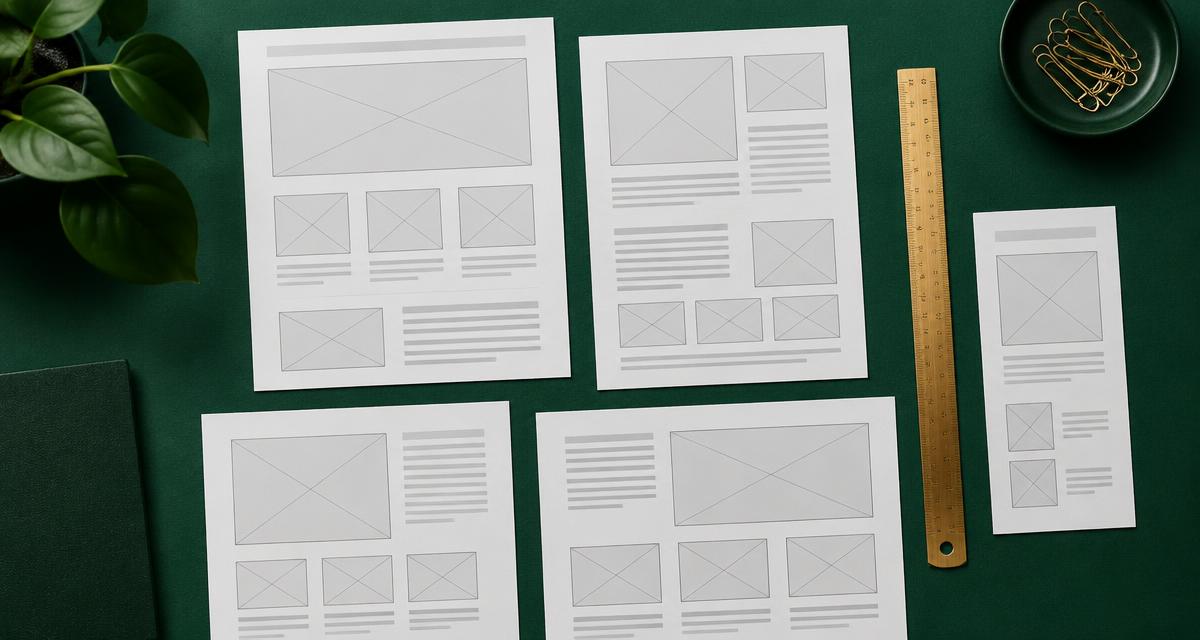
This involves identifying the necessary pages, determining their relationships, prioritising important content and mapping out the visitor journey.
For a marketing website, this might mean structuring the homepage around the value proposition, services, credibility, benefits and conversion points.
For a more content-driven website, the architecture might need to accommodate categories, articles, searchable resources and frequently updated information.
3. Visual direction and interface design
With the structure established, I begin translating the brand's identity into a digital experience.
Typography, colours, imagery, spacing, layout and interaction patterns all contribute to how a website communicates.
I pay particular attention to visual consistency and hierarchy. Visitors should be able to understand what a business offers, where to find relevant information and what action to take without having to work too hard.
4. Choosing the right platform
This is where Webflow, Framer and WordPress come into consideration.
I evaluate the project's complexity, content requirements, desired interactions, maintenance expectations, available resources and the client's ability to manage the website after launch.
The platform should support the design and business objectives, not dictate unnecessary limitations.
5. Responsive implementation and testing
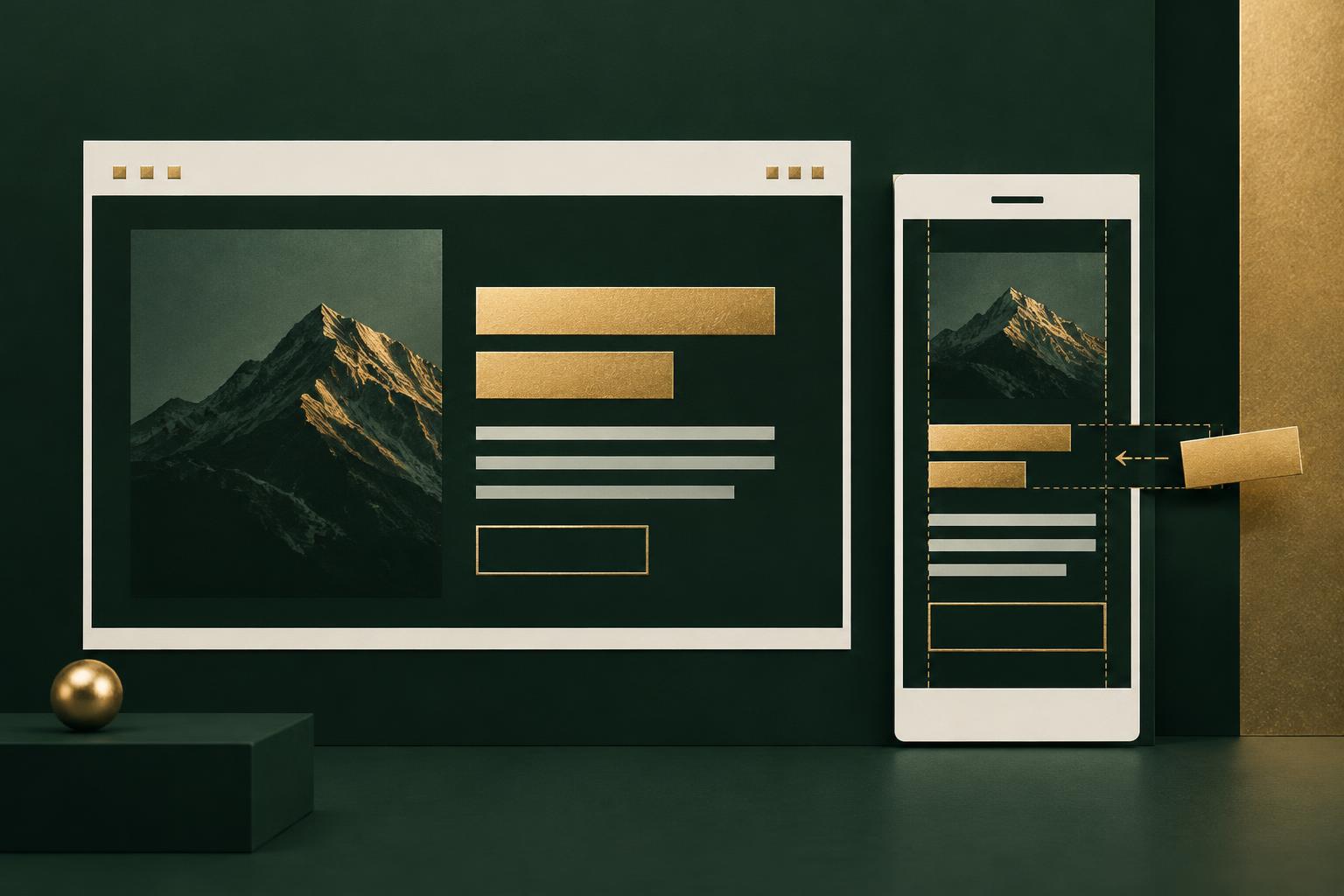
A website that looks impressive on a desktop but falls apart on a mobile device isn't finished.
I review layouts across different screen sizes, paying attention to typography, spacing, navigation, image behaviour, element positioning and content hierarchy.
I also check functionality, links, forms, accessibility, loading behaviour and essential SEO configurations before launch.
This is particularly important because responsive design isn't simply about making everything smaller. It's about making the experience work appropriately for each screen size.
Designing with Webflow
Webflow is one of the platforms I particularly enjoy working with, especially when a project requires considerable control over its visual presentation and responsive behaviour.
What makes Webflow interesting to me is the relationship between visual design and the underlying structure of a website.
It provides a visual development environment where designers can work with layout properties, CSS concepts, responsive breakpoints, interactions and CMS collections without having to write every line of code manually.
What I like about Webflow
Webflow offers a useful balance between visual freedom and structured website development.
Some of its strengths include:
- Visual development: Working with layout properties, positioning, spacing, typography and other CSS concepts through a visual interface.
- Responsive breakpoints: Creating and refining layouts for different screen sizes.
- CMS: Managing dynamic content such as blog posts, projects, resources and other structured information.
- Interactions and animations: Creating engaging interactions without relying on a collection of unrelated animation tools.
- SEO controls: Managing page titles, meta descriptions, canonical URLs, image alt text and other important on-page SEO elements.
- Reusable components: Maintaining consistency across repeated sections and website elements.
I particularly appreciate the level of control Webflow provides when translating a visual design into a responsive website.
It does, however, require an understanding of layout behaviour. Knowing how Flexbox, Grid, positioning, dimensions and breakpoint inheritance work makes a considerable difference to the quality of the final result.
I recently documented an issue I encountered with a Webflow mobile layout and how I resolved it by investigating the element's layout settings.
"Read: When Your Webflow Mobile Text Layout Keeps Resetting Itself".
A project I worked on with Webflow: A fintech platform
One of my Webflow-related projects involved a fintech platform.
The project involved working on the website's visual experience and implementation, with attention to its layout, content presentation, responsiveness and the communication of its financial products and services.
Fintech websites have a particular responsibility: they need to communicate information clearly while establishing credibility and trust.
The experience reinforced why I value having control over page structure, responsive behaviour and the presentation of complex information.
For this kind of project, Webflow is particularly useful because it provides a good balance between visual flexibility and content management.
What I'd recommend Webflow for
I'd consider Webflow for:
- Corporate and business websites.
- SaaS and fintech marketing websites.
- Professional service websites.
- Marketing landing pages.
- Portfolio websites.
- Content-driven websites that benefit from structured CMS collections.
- Websites requiring detailed responsive layouts and custom interactions.
I'd particularly recommend it when the visual experience is important and the project requires more design control than a conventional template-based website might offer.
Designing with Framer
Framer approaches website design from a slightly different perspective.
Its design environment feels familiar to people who work with interface design tools, making it particularly attractive for designers who want to move from visual concepts to published websites without a complicated development workflow.
I've used Framer to design a marketing website for Hola Contracting, a Canada-based contracting and janitorial services business.
What I like about Framer
Framer makes it relatively straightforward to create visually expressive websites.
Some of its strengths include:
- Design-first workflow: A familiar visual environment for arranging and styling website elements.
- Responsive layouts: Creating layouts that adapt across desktop, tablet and mobile devices.
- Interactions and animations: Adding motion and interactive elements to improve the experience.
- Components: Creating reusable design elements and maintaining consistency.
- CMS: Managing structured content for blogs, projects and other dynamic sections.
- Publishing workflow: Moving from design to a published website within the same platform.
One of the things I appreciate about Framer is how quickly I can explore visual ideas and translate them into a polished marketing website.
This is particularly useful when a project needs a strong visual identity, engaging interactions and a relatively straightforward content structure.
A project I worked on with Framer: Hola Contracting
Hola Contracting is a Canada-based business offering contracting and janitorial-related services.
I designed its marketing website using Framer.
The objective was to give the business a professional digital presence where potential customers could understand its services, learn about the company and find a clear route to making enquiries.
For a service-based business, the website needs to communicate more than just what the company does.
It needs to establish confidence, explain its offerings and make it easy for potential customers to take the next step.
This influenced the way I approached the site's visual hierarchy, service presentation and overall marketing experience.
The project was a good example of where Framer's design-oriented workflow made sense.
Although the original project domain is no longer renewed, the design and project experience remain part of my work.
What I'd recommend Framer for
I'd consider Framer for:
- Designer and developer portfolios.
- Creative agency websites.
- Startup landing pages.
- Marketing websites.
- Personal brands.
- Product launch websites.
- Visually expressive websites with lightweight content requirements.
I'd particularly recommend Framer when visual presentation, rapid iteration and a relatively straightforward publishing workflow are high priorities.
For larger content-heavy websites or projects requiring extensive custom integrations, I'd evaluate its capabilities and limitations more carefully before making a recommendation.
Designing with WordPress
WordPress is a different kind of website-building platform.
Unlike Webflow and Framer, which provide more integrated visual design and publishing environments, WordPress is an extensible content management system with a much broader ecosystem of themes, plugins and development options.
Its flexibility is one of its biggest strengths.
Depending on the project, WordPress can be used with the native block editor, custom themes, page builders and other development approaches.
What I like about WordPress
WordPress is particularly interesting when a website needs to accommodate different types of content, integrations and functionality.
Some of its strengths include:
- Content management: Creating, organising and managing pages, posts and other content types.
- Extensibility: Expanding functionality through plugins and custom development.
- Themes and customisation: Using existing themes or building more tailored website experiences.
- SEO ecosystem: Access to various SEO plugins and tools for managing technical and on-page optimisation.
- Integrations: Connecting websites to external services, forms, analytics and other business tools.
- Ownership and hosting flexibility: Choosing hosting arrangements and managing the underlying WordPress installation.
I also appreciate that WordPress can accommodate very different types of websites.
A simple business website and a complex publishing platform can both be built with WordPress, although their implementation requirements will be very different.
That flexibility also comes with responsibility.
Plugin quality, security updates, hosting, backups, performance optimisation and compatibility need to be managed properly.
A poorly maintained WordPress website can become difficult to manage, slow or vulnerable to security issues.
A project I worked on with WordPress: Tutchonce
I designed the Tutchonce website using WordPress.
The project gave me another opportunity to work with WordPress as the underlying platform for a business website.
What makes this experience relevant is the distinction between designing a website and selecting the technology that powers it.
A website still needs a coherent visual direction, logical information architecture, responsive layouts and a useful content experience, regardless of whether it's built with WordPress, Webflow or Framer.
WordPress provides the flexibility to approach these requirements through different themes, editing tools and extensions.
What I'd recommend WordPress for
I'd consider WordPress for:
- Blogs and online publications.
- Content-heavy business websites.
- Corporate websites.
- Websites requiring extensive integrations.
- Websites with complex content management requirements.
- Membership and directory websites.
- E-commerce projects, particularly those suited to WooCommerce.
- Businesses requiring greater control over their hosting environment.
I'd particularly recommend it when content management, extensibility and long-term flexibility are important considerations.
Webflow vs Framer vs WordPress: What's the difference?
Although these platforms can all be used to create professional websites, they approach website design and management differently.
Here's how I'd compare them from a practical design and project perspective.
| Consideration | Webflow | Framer | WordPress |
|---|---|---|---|
| Design workflow | Visual development | Design-first | Theme, blocks and builders |
| Visual flexibility | High | High | Depends on implementation |
| Responsive design | Detailed breakpoint controls | Visual responsive controls | Depends on theme and implementation |
| CMS | Integrated CMS | Integrated CMS | Extensive content management |
| Interactions | Advanced visual interactions | Visual interactions and animations | Depends on plugins and development |
| SEO | Built-in controls | Built-in controls | Core features and plugins |
| Extensibility | Integrations and custom code | Integrations and custom code | Extensive plugin and development ecosystem |
| Maintenance | Platform-managed infrastructure | Platform-managed infrastructure | Hosting and installation maintenance |
| Ideal use | Marketing and CMS-driven websites | Visual marketing and creative websites | Content-heavy and extensible websites |
It's worth noting that none of these platforms automatically guarantees better SEO, faster performance or a better user experience.
Those outcomes depend on implementation, content quality, technical configuration, hosting and ongoing maintenance.
Which platform would I recommend?
If someone asked me which of the three platforms they should use, I wouldn't immediately give them a name.
I'd first ask what they're trying to achieve.
Here is how I'd approach some common scenarios.
For a startup or SaaS company
I'd lean towards Webflow or Framer.
Both can support polished marketing websites, landing pages and product communication.
I'd consider Webflow when the website needs more detailed CMS structures, responsive control or a larger marketing content system.
I'd consider Framer when the priority is a visually expressive website with a relatively straightforward content structure and fast design iteration.
For a creative agency or personal brand
I'd lean towards Framer or Webflow.
Framer is attractive for portfolios and creative websites where visual presentation and motion are important.
Webflow is equally capable, particularly when the website needs more structured content, custom interactions or detailed control over its layout.
For a business with a blog or extensive content requirements
I'd give WordPress serious consideration.
Its content management capabilities, plugin ecosystem and flexibility make it a strong option for businesses that publish frequently or require a more extensive publishing infrastructure.
Webflow can also work well for structured content, so I'd evaluate the actual publishing requirements before deciding.
For an e-commerce business
I'd assess the products, inventory, payment requirements, integrations and operational needs before selecting a platform.
WordPress with WooCommerce can be suitable for businesses that need extensive customisation and control.
For other projects, a dedicated commerce platform might be more appropriate.
The important thing is to select a platform that supports the business beyond the initial website launch.
A few things I consider regardless of the platform
There are certain principles I don't think should change simply because the underlying website builder changes.
Responsive design should be intentional
Mobile responsiveness isn't something I leave until the end.
I consider how content, navigation, typography and layouts will adapt across different devices throughout the design process.
SEO should be part of the design process
Search engine optimisation shouldn't be an afterthought.
Page structure, heading hierarchy, content organisation, descriptive URLs, metadata, image optimisation, internal linking and accessibility all contribute to a website's discoverability.
The platform provides tools, but the quality of their implementation still matters.
Performance is part of the user experience
Animations, images, fonts, third-party scripts and unnecessary plugins can affect loading behaviour.
I pay attention to how these elements are implemented because a visually impressive website should still feel responsive and accessible.
The client should be able to manage their website
A website shouldn't become a permanent dependency on its designer for every minor content update.
Where possible, I consider how the client will manage their pages, services, articles and other content after handover.
The best platform is also one the business can realistically maintain.
Final thoughts: It's about choosing the right tool for the job
Working with Webflow, Framer and WordPress has reinforced something I believe about website design: the technology is important, but it isn't the starting point.
A good website begins with understanding the business, its audience and what the experience needs to accomplish.
Webflow offers an excellent visual development environment with detailed layout control. Framer makes it easier to explore and publish visually expressive websites. WordPress provides an extensive content management and development ecosystem.
Each has its strengths, limitations and ideal applications.
I don't believe in choosing a platform simply because it's trending or because it's the one I'm most comfortable using.
I'd rather understand the problem, evaluate the requirements and recommend the technology that makes the most sense.
Ultimately, I'm not interested in just putting websites online. I'm interested in designing digital experiences that communicate clearly, work reliably and give businesses a better way to connect with their audiences.
If you're looking for someone to help with your next website, "explore my projects" or "get in touch".